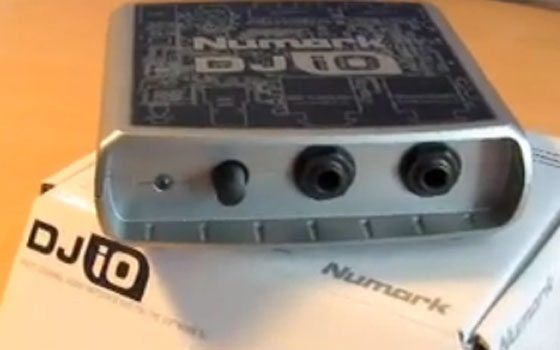
At this price point there should not be much of a difference right? Well, one thing we do not like around here is assumptions without any real evidence or experience to support that assumption. So, while writing a new column for Remix magazine about sound cards I took it upon my self to try and find out what separates a $100 sound card from a $800 one. After talking to all kinds of “experts” and engineers and after sifting through mountains of marketing propaganda I had a really hard time really finding any quantifiable differences. This reality is hard for us to accept in a society that places a high value on the price tag of a product. “Its $1000, so its got to be the best right?!”
Continue reading ‘4 Dj Sound Cards under $200 (updated)’
Tag Archive for 'Video Tutorials' Page 2 of 3

I am happy to report that several writers here at dj tech tools are now going to be offering insight, recommendations and reviews on the emerging dj-video world. Although it remains to be seen if people really want to embrace this upcoming trend, the technology is starting to look exciting. One of the most promising programs is Serato Scratch Live Video. Its an $180 optional plug-in for the Scratch Live platform that works seamlessly with Rane’s TTM-57SL. Check out the following video for more info and to see what it looks like when we apply a little controllerism to music videos.

As many of you know, I have been working on a special layout for the VCI-100 that is in the beta stages. You can download, test and give feedback on the current version here. In the mean time I stumbled on this crazy midi mod that got me REALLY excited (which is rare) so I wanted to share it. I mix externally with the vci-100 so all the central controls are dedicated to effects. However sometimes I need to quickly cut out a song and I have been using the input faders to do that by engaging the reverb to 100%. Each channel fader engages the reverb, fades in the mix and then at the top freezes the effect. So, if you quickly flip the fader up you get a really clean cut with a cool reverb tail. Then I was thinking instead of 2 faders, what if the cross fader did the same thing for both decks but in opposite directions? So when you move the cross fader to the left the right decks cuts out with a adjustable reverb trail and when you move it to the far right the left deck cuts out with a reverb tail? Continue reading ‘NEW VCI-100 mod and the “super” crossfader’
Here is a basic juggle routine I have been working on with my customized VCI-100. Its a free-form mash up of Rock the Bells and a classic Ray Charles song.
-Ean Golden
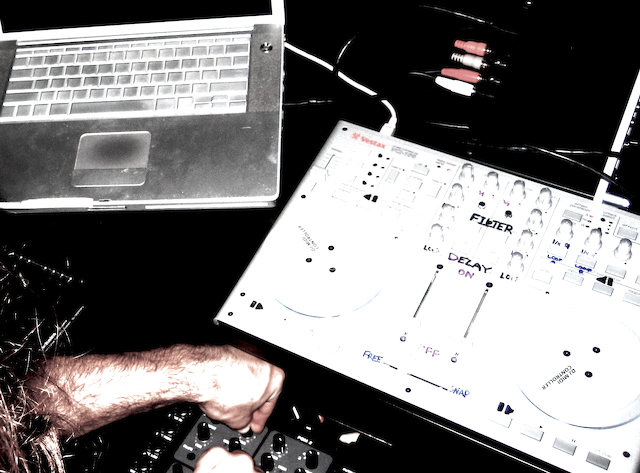
As a result of our videos a ton of people seem to be very interested in the VCI-100 but remain confused about how it works. Every day I get more emails asking “Do I need a sound card, if so how does that work?” Dont fret, here at Dj Tech Tools we have the answers for you. Just check out this Sound Cards 101 video courtesy of Ean Golden.
Here is a video that shows you the steps needed to do the modification. Download the cut guide for your machine shop and click bellow for a list of items you will need. Thats it!
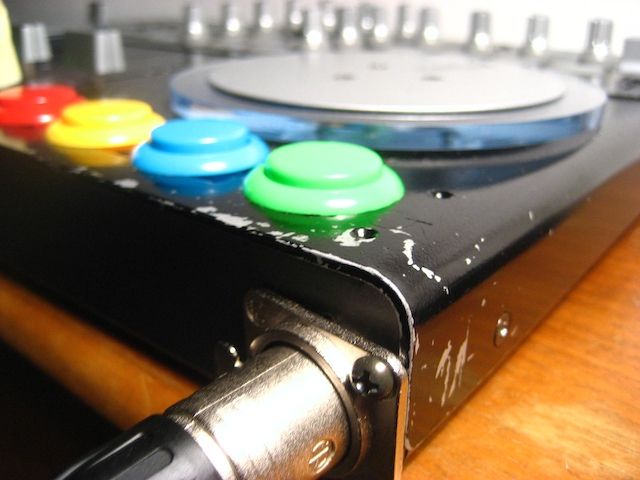
Here is video 1/2 on how to add some bad ass arcade buttons to your Vestax VCI-100. The other one should be up in a few days! Word of warning to Manufactures that send me gear to review. Yes, i may take your stuff apart and turn it into a Frankenstein dj controller. Long live controllerism!
Wondering what exactly does the VCI-100 do? Here is a quick break down I shot for Vestax:


Readers are Saying