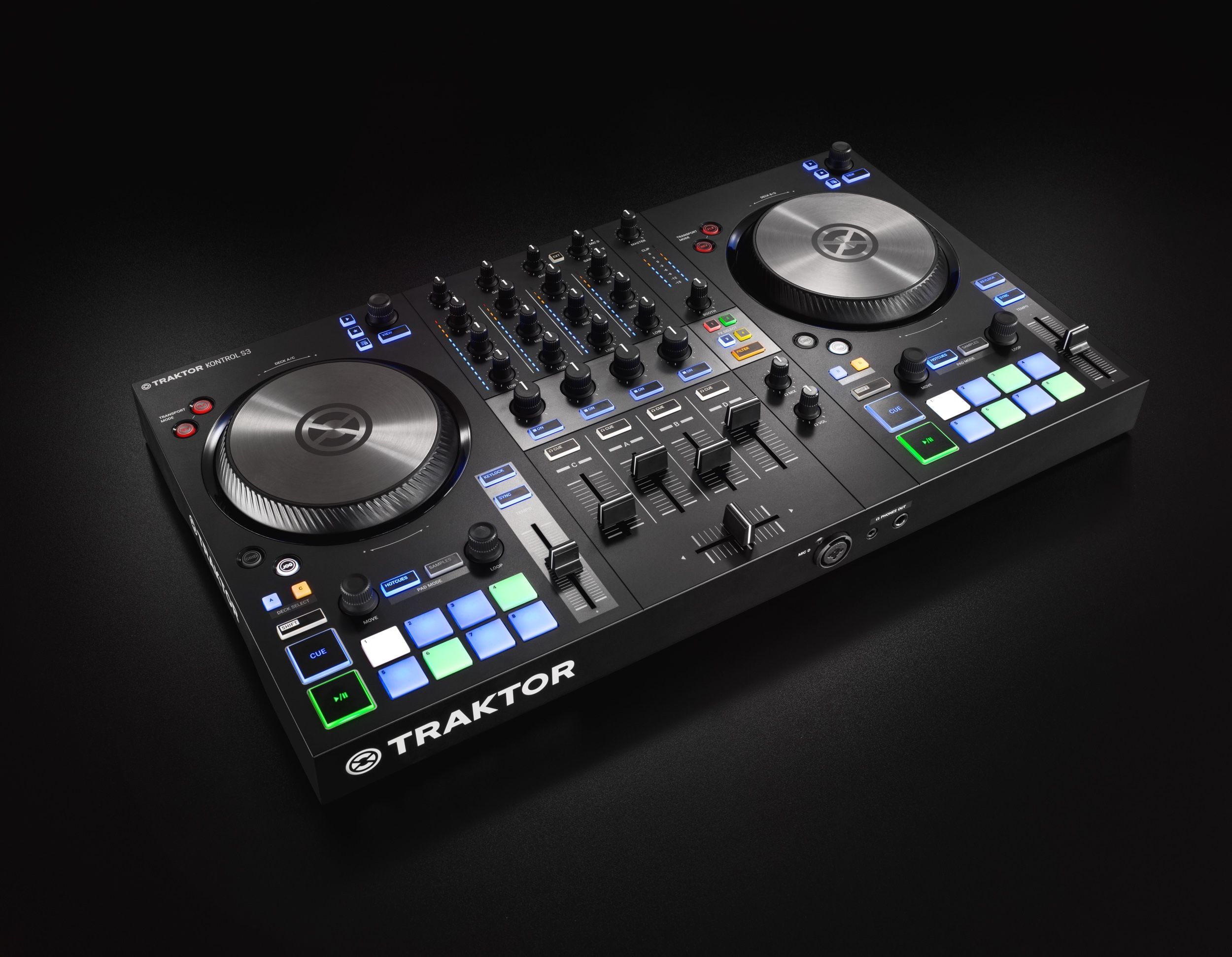
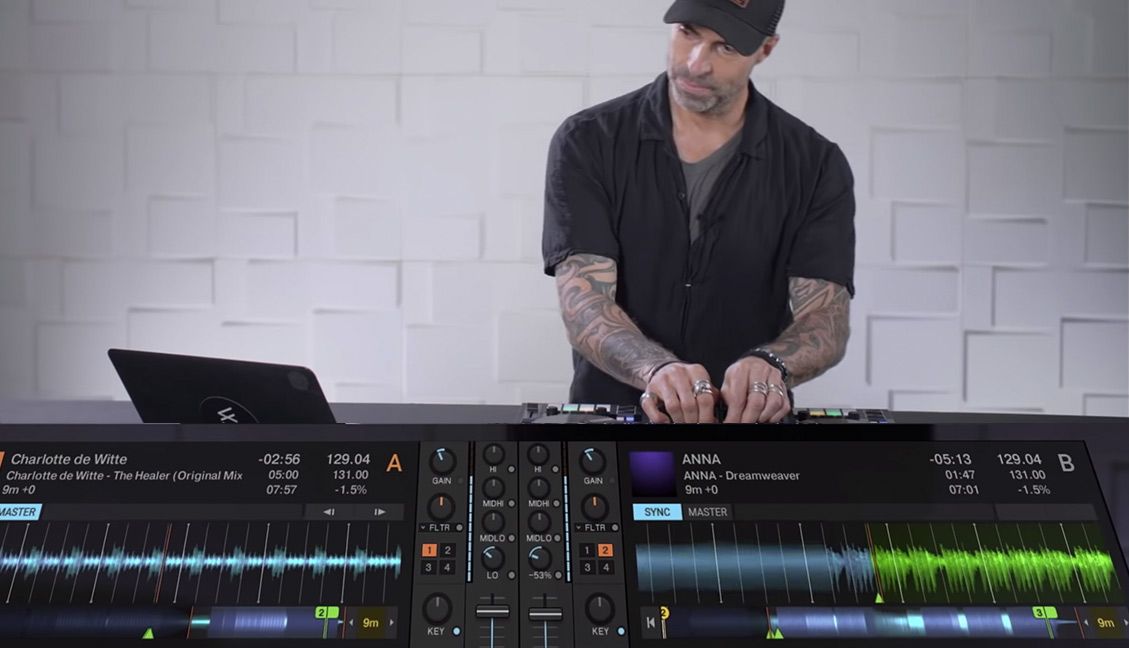
About a year ago, I suggested a feature to the Traktor team which they quickly implemented much to my joy. It was instant deck duplication to and from any deck. Even though this is great for the obvious application of freeing up a deck its also turned out to be good for many other creative uses. Lately I have been getting into juggling opposing copies of the same track with different treatments and cue points tricks. Lets walk through 5 fundamental techniques and then roll them into one routine:
Continue reading ‘Rockin Digital Doubles’

When djing, your essentially a pilot manning the helm of a plane. While there are many obvious things your in charge of during the flight, there is one that you may not think of. Its your job to make sure the sound coming out of the speakers is the best quality it can be. Lets look at a few basic rules you should follow to keep yourself out of the red.
Continue reading ‘Dont Crash the Plane- Follow these rules.’

As Traktor and Midi controllers have evolved, the number of possible ways you can assign a jog wheel has increased dramatically. There are more than 10 ways for instance that you can slow down or speed up a song in Traktor 3.4. So which do you want to assign your jog wheel to? Lets take a look at the primary 3.
Continue reading ‘Pitch Bend, Tempo Bend, Jog Bend, CD Touch Jog?’

I hate to revive this old argument about mixing inside software or outside but it came up again last night while I was spinning at a friends party . The axe for the night was a new template we are working on for the vci-300 and Traktor. The controller was working well, but my mix sounded like garbage. I cant help but feel that, while the deaf dj must take some responsibility- it was largely because there is no headroom when mixing inside dj software. Has anyone else had this experience or might have found a way to combat this truly troublesome problem?
The complaint is not a new one, as digital summing of multiple audio signals is just never going to compare to the analogue counterpart. I know, for example, of many a sound engineer that will run several groups of a song (stems) out to an analogue mixer for the final summing. That’s not to say that you can some-how magically turn up the signal louder in the analogue domain. No, the analogue distorts at the same point but the distortion itself is night and day. Take that classic Mo-Town sound that we all love and associate with being rich and fat- its just bucket loads of good distortion.
As the night progresses and djs tend to want to turn things up louder and louder, there is just no where to go in digital land. Well you can always turn up the master channel- you might counter. Not exactly, because the problem is this constant balance of sonic levels between the tracks as you mix. Some songs for whatever reason, even after auto gain- just require a little extra pump when in the middle of a mix. Once you have hit the digital ceiling, which is un-bearably low- then it’s all bad from there.
If they really expect everyone to mix in a computer, digital dj companies need to start making their software more dj friendly. Which means expecting us to turn it up too loud and putting rich, warm compressors on every channel.

As a follow up to this jog wheel post last week, here are two more ways you can you can creatively re-use your jog wheels for tighter performance. Are you really going to scratch on a vci-100 or similar small jog wheel? Lets be honest with ourselves- most likely not. So what do you do the most during a song?
- Adjust the tempo in small increments
- Pitch bend a track
Then why not have your Jog wheel dedicated to those 2 functions?
Continue reading ‘Flip the script- and your Jog Wheel’

A jog wheel may be good for cuing up a song but the top does not serve much of a purpose after that. So why not double assign it to another function that works when you hold down a shift key? Its a logical conclusion but finding something that actually works well with the jog wheel’s pitch bend type message is another story. Last week I may have found something that fits perfectly.
Continue reading ‘Re-Use Your Jog Wheel- 4 Fx.’

This question was raised in the forum and is also important for future owners of the VCI-100SE (which has drum roll built in). In this video I demonstrate how to create the drum roll effect in Traktor 3 by using just 2 buttons set to “Set Loop” and “loop end move backward”. The trick is in getting your Traktor settings right and then its easy to create perfect drum rolls that will drive the crowd wild. That is until you do it 20 times in one night at which point they will most likely riot.
In one of our tutorials 2 weeks ago I showed you how to layer 2 filters on top of each other and assign one knob to many different functions on those 2 filters. This “super knob” is a handy way to create wild sounds with minimal effort. In that case the desired effect required a Zone 92 LP filter on the deck and a HP filter on the master effect. So if you suddenly get inspired to create some wild filter builds in the middle of a set, you would probably want to have 2 controllers dedicated to that function. A button to engage the required effects and the super knob to tweak them out. So how do you make one button do that?
Continue reading ‘Instantly Load Effects’

One of our readers here at DJ TT mentioned that he had recently sat down with Felix the HouseCat in the studio and demonstrated the benefits of Traktor. While interested, Felix commented that many pro djs felt that the sync function was cheating. This argument has popped up several times in the past so we felt the need to address it.
To be specific, Traktor (and most other dj programs except for Serato Scratch) offer 2 types of sync: Tempo and Phase. You can either automatically match the tempos of 2 songs up or also allow the computer to attempt and keep them in phase with each other rhythmically. Lets address each of these independently and offer arguments for both sides.
Continue reading ‘To Sync or not to Sync’
Readers are Saying