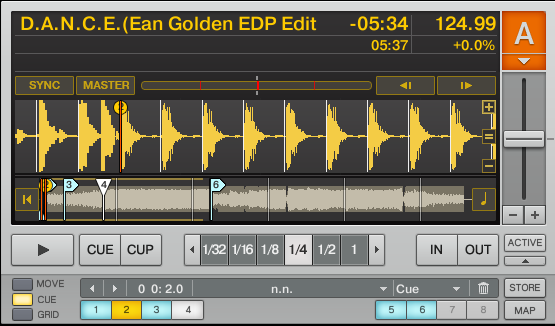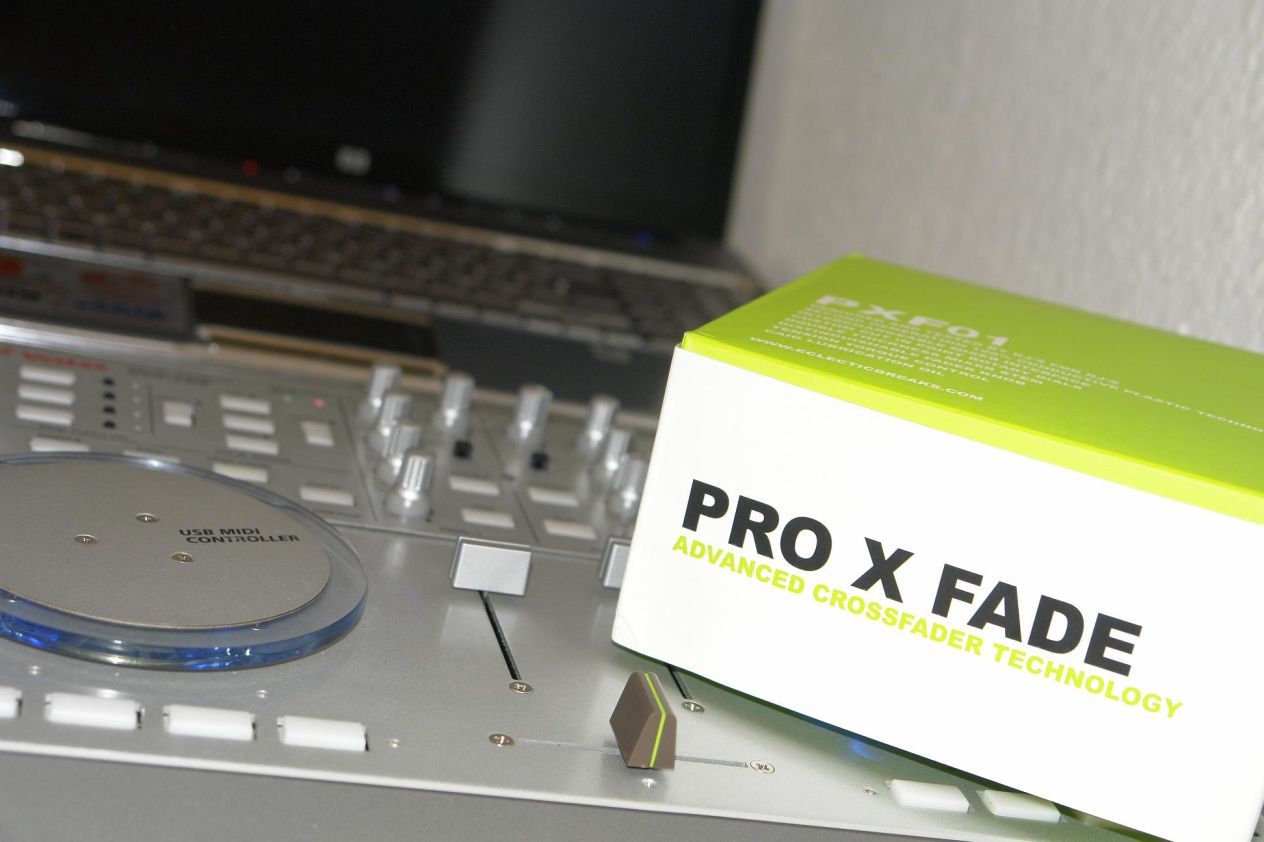
As Traktor and Midi controllers have evolved, the number of possible ways you can assign a jog wheel has increased dramatically. There are more than 10 ways for instance that you can slow down or speed up a song in Traktor 3.4. So which do you want to assign your jog wheel to? Lets take a look at the primary 3.
Continue reading ‘Pitch Bend, Tempo Bend, Jog Bend, CD Touch Jog?’

Lets say you want a single button to select an effect or your crossfader to also act as an EQ fader. These kind of functions are just not possible with 99% of dj midi gear out of the box, but there are a small group of software programs that allow you to customize the way your midi gear works inside the computer. They are called Midi translator’s and today I want to show you how to perform one of the examples above using a translator called “Midi Pipe”. Midi-Pipe is a great tool that is free and easy to use but sadly only runs on Macintosh.
Continue reading ‘Midi Pipe Tutorial- EQ with a crossfader.’

I am proud to walk you through the brand new VCI-100SE. Click bellow to watch 2 videos that take you though the basic controls to the more advanced performance oriented features. For questions about purchasing, shipping or upgrading to this controller please visit this post in the forum.
Continue reading ‘VCI-100 Special Edition Videos’
In one of our tutorials 2 weeks ago I showed you how to layer 2 filters on top of each other and assign one knob to many different functions on those 2 filters. This “super knob” is a handy way to create wild sounds with minimal effort. In that case the desired effect required a Zone 92 LP filter on the deck and a HP filter on the master effect. So if you suddenly get inspired to create some wild filter builds in the middle of a set, you would probably want to have 2 controllers dedicated to that function. A button to engage the required effects and the super knob to tweak them out. So how do you make one button do that?
Continue reading ‘Instantly Load Effects’

Last month BentoSan posted a great tutorial about routing Traktor audio into Live in Windows. It’s here and I recommend you at least skim his article if you haven’t already read it, it has plenty of relevant links. Here is how to do exactly the same thing on a Mac, using free software.
What to expect:
- Routing of the audio of each Traktor deck into Live.
- MIDI clock sync from Traktor to Live. Allows to use Live VST beat synced. Allows to start armed clips in Live on the beat.
- Record your set in audio directly in Live.
- Low latency and excellent stability.
This has been tested on OS X 10.5.2, with Traktor 3.2.2 and Live 7.05. Hardware is a 2.14 GHz Dual Core iMac
What you need:
Continue reading ‘Smart Mixing Traktor into Ableton - 4 Mac’
By: Bento San
The following Windows tutorial will get Traktor and Ableton all synced up and implement the concept of smart mixing into your set up. Some of you may be thinking, “What is smart mixing”? This is a good Question, and the Belvario Smart Mixer site answers it well. “”Smart mixing” is a term introduced by Moldover, a controllerist digital musician who uses a sophisticated software and hardware configuration that allows him to make fast changes to the mix with a minimum of control movement. One component of this is his “smart mixer” Reaktor ensemble, which makes it easy to do basic automated EQ mixing with a simple fader move in Ableton Live (in Live 7 it’s possible to do with only native audio effects).
You will learn how to:
1) Route Audio From Traktor and into an Ableton Live smart mixer.
2) Sync Abletons Midi clock to Traktor which will be hosting the master tempo
3) Allowing use of a midi controller in two programs at once.
Continue reading ‘Smart Mixing Traktor with Ableton’
With a limited number of physical knobs to control an ever increasing number of software goodies you need to find a way to get more out of your control surface. Using a single knob to control more than one parameter is one of the best ways to do that. A good example of this is the effects section of my VCI-100SE. Each effect in Traktor has 4 knobs and 4 buttons but my vci-100 only offers 2 knobs per effect. How can this be effective? Super knobs!
Continue reading ‘Super Knobs’
Deck a Dance may be the only dj software out there that can run inside Ableton Live but you can virtually put any software into the powerful audio engine with a free plug in. Cycling 74, the masterminds behind max msp, offer soundflower which creates a virtual audio engine within your macintosh environment.
“To send the output of one application to another, select Soundflower as the output device in the first application and Soundflower as the input device within the second application.” Continue reading ‘Route any dj software into Ableton’

The manufacturers don’t want you to know this, but the truth is you don’t have to plop down $1,500 for the latest Allen & Heath mixer or $3,000 on a JazzMutant Lemur to do creative things with MIDI and DJ software. Sure, having a brand new DJ controller with all kinds of bells and whistles will get you excited about trying new ideas, but you might get more mileage out of something at a fraction of those prices. There are many inexpensive two-octave keyboards that offer mappable controls in a small footprint. Perhaps you still have an M-Audio Oxygen 8 ($149.95 for the Oxygen 8 V2; www.m-audio.com) lying around from your first foray into music production. Take it out and imagine how you might DJ with it. Think of how each knob and slider might best control two or more songs on the fly. It’s actually a lot more realistic than you might imagine, so let’s turn the zillion-selling Oxygen 8 into a controllerist’s dream rig. Continue reading ‘Oxygen 8 Controllerism Layout’
Readers are Saying