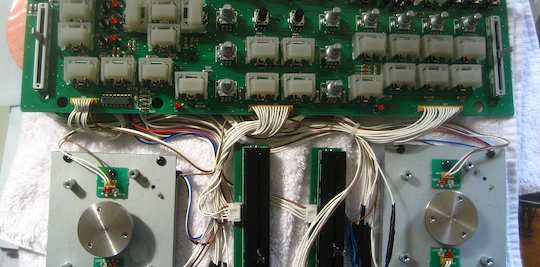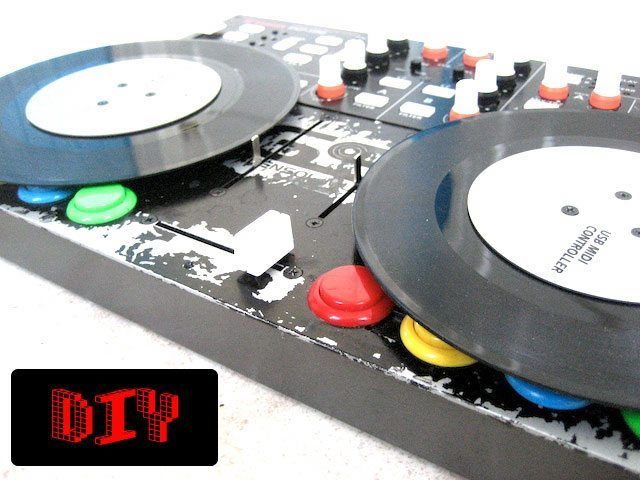
This DIY mod wins several awards including: most useless mod, easiest to perform mod, and most instant gratification bang for your buck mod. Adding a pair of 7″ records to your vci-100 does not make too much sense as you loose functionality of the fine pitch faders, nearly 16 buttons and you must remove the input fader knobs. Then again, its fun to do and looks great. You can also fantasize what it might be like to actually have 7″ record midi platters which would be sick! Vestax briefly brought out a mock up of a single 7″ record midi controller with motorized platter and basic controls. It was a mechanical mock up that didn’t exactly wow the crowds at NAMM 2008 but I cant think of anyone that does not like 7″ records. So here are the basic steps required to add a few to your VCI-100.
Tag Archive for 'DIY Projects' Page 2 of 3
Those of you that missed out on the VCI-100SE should not feel left out, just make your own! psychoguru, a member of our brand new forum posted these stunning photos of a black VCI-100 that he basically created himself. Well technically he converted a silver VCI-100 into the black version by getting creative and leveraging his local suppliers. The process was a simple one that can be broken into 3 stages depending on how deep you want to get.

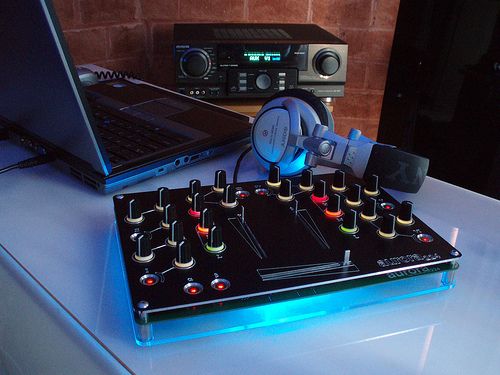
All those beautiful adverts you see for controllers and music gear always show the shiny devices floating freely in a wonderland of white space and light. Once you actually get the thing home you’re faced with using it in on a real-life table filled with cables, cups of tea and other pieces of electronic junk. I like to keep my laptop front and center instead of to the side, so mixing involved a lot of leaning over a table for extended amounts of time. There had to be a better way, so I started looking around for the ultimate laptop stand.

An inexpensive way to add advanced midi technology to a simple controller
One of our active users, Matt, brought this great little device to our attention. Its a stick on touch pad that is designed to duplicate a mouse surface on your keyboard. Great for your Aunt sally’s desk job but its not quite enough to get djs in a tizzy. However, if you consider that this device is a HID (or human interface device) and you happen to know about a handy little program called Junxion. Well, then wheels start turning very quickly and my nerd side runs around the house excitedly. You see, Junxion will take ANY HID and turn it into very usable midi data. Translation. Stick this bad boy on your midi controller, program it with a HID to MIDI software program and bingo- instant X/Y pad on any midi controller.

With the advent of “controllerism” and the meteoric rise of DJ software, some may assume that the art of turntablism is fading fast. Attendance at the large competitions continues to drop, and the 20-year-old art form appears to need a breath of fresh air. Ironically, it may just be digital technology that brings it. Software like Serato Scratch Live is making the bread and butter of turntablists — scratch records — more accessible to everyone and opening creative doors to exciting new ideas.
For years, having your own scratch record to manipulate was a luxury afforded to a precious few. The technology and techniques that went into a DMC-winning performance were shrouded in secrecy as each performer tried to one-up the next. These days, you don’t have to drop $100 on a dub plate or be a former DMC champion to make your scratch sentences and routines completely original. With digital vinyl technology, a decent DAW and some minor technical know-how, you can make your own personal scratch “record” in just a few hours.

VCI-100 DIY
One of our readers that goes by SGB has posted a very well done walk through on how to fix a jog wheel that feels too stiff. You can download detailed instructions with pictures here (direct link). While we are on the subject of DIY projects this might be a good time to also bring back this tutorial on adding arcade buttons to a VCI-100. If you have anything like this that you feel the community here at dj tech tools would benefit from DONT hessitate to let us know. I know many of you might be afraid to take apart some very expensive dj gear but trust me, its really hard to break this one so have fun and come up with your own MOD!
VERY IMPORTANT UPDATE**** 1/29/08
Editors note: It has recently come to light that the first run of VCI-100’s that were sent out had a completely different mapping layout than all the subsequent “Firmware V2″ VCi-100. You can find out which version you have by holding down both jog wheel buttons at the same time. If the jog wheel lights turn off and your pitch bend no longer works then you have the NEW firmware and my layout will NOT work with your VCi-100. Your new vci firmware is sending out completely different note values and they will result in NOTHING working as I designed. if you have the OLD firmware then by all means enjoy the layout bellow. Otherwise wait until march when you can get your hands on a VCI-100 that ships with these performance mods already installed
After 2 months of intense button pushing, code twisting and testing, I think its almost done. Here is the near final version of my programming for the VCI-100. In the coming months you will be able to get your hands on a limited edition set of plates (hopefully gold and black) that match this exclusive layout. What is different? Almost everything, but the general idea is to give you hands on immediate access to do really cool things without looking at a screen. This is the testing phase so only people with a Macintosh computer will be able to use the layout. Once the controls are finalized Vestax will make available a firmware update that will give the VCI all of this functionality without any extra programs.
So if you have a Macintosh follow the instructions bellow and PLEASE give me feedback here on this post.
If you have a WIN machine you can try out this patch for BOME Midi translator.
Continue reading ‘Ean Golden’s personal VCI-100 layout for Traktor’
|
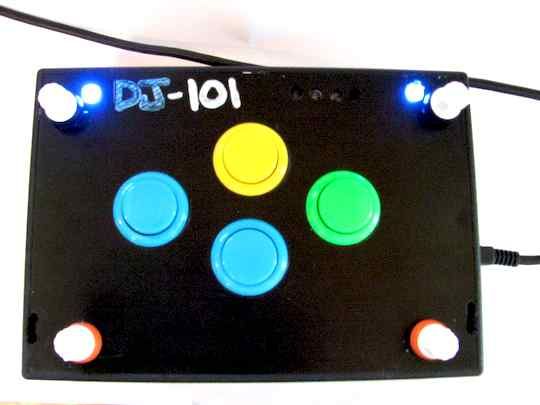
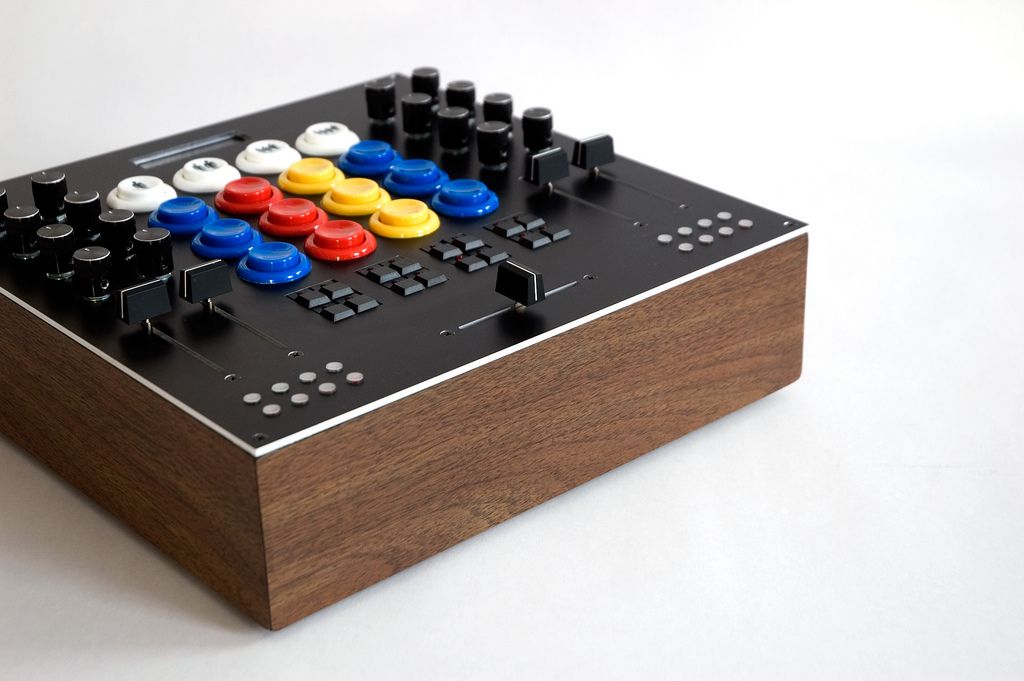
Check out this really excellent application of my VCI-100 arcade button mod. He has stolen 2 knobs and turned them into extra faders and installed 8 arcade buttons from Happ controls. I cant wait to see other creative applications of my button mod. Check out more pictures and ask the creator questions here. |
Here is a video that shows you the steps needed to do the modification. Download the cut guide for your machine shop and click bellow for a list of items you will need. Thats it!


Readers are Saying