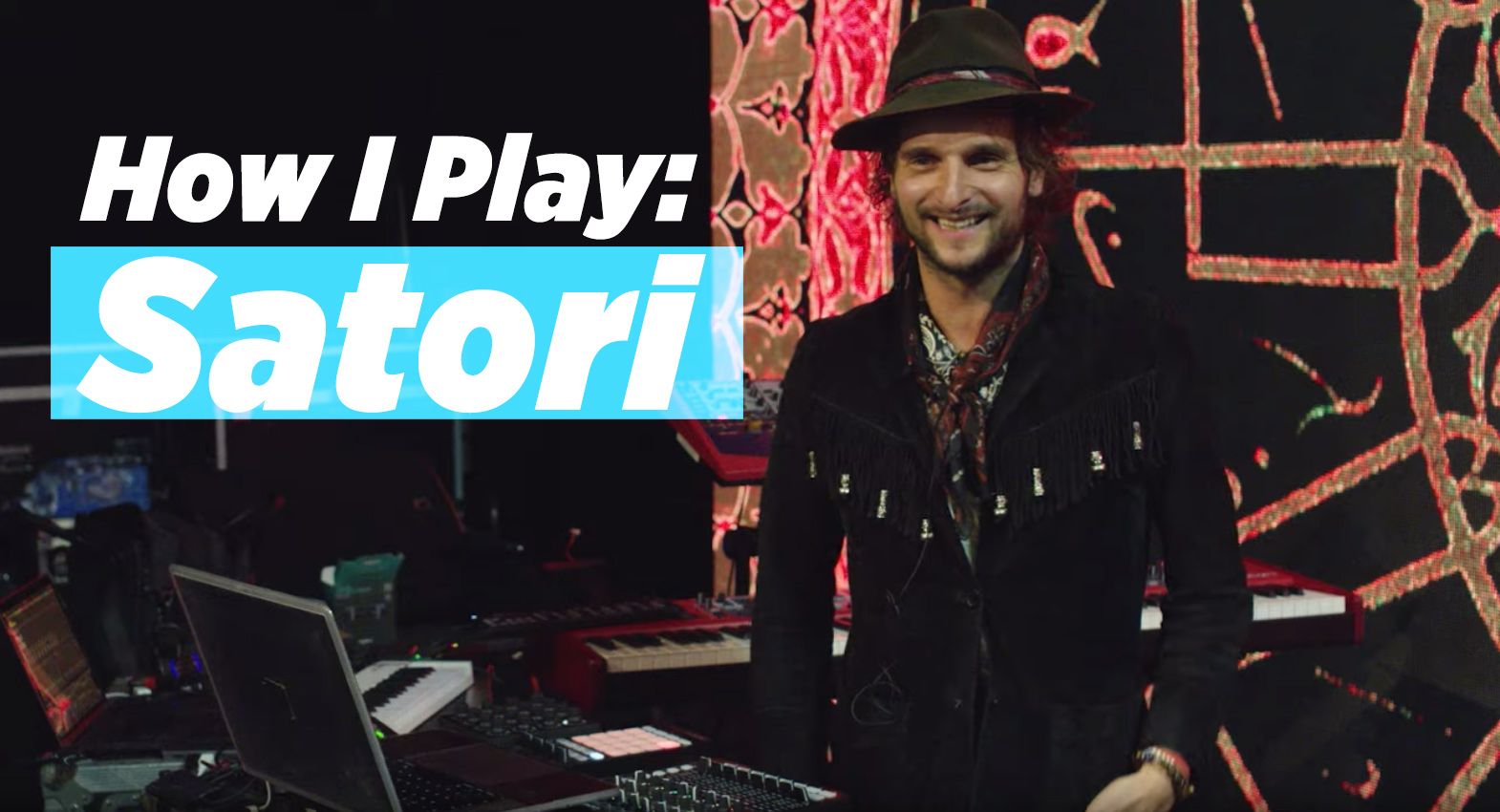
We are going to introduce a new feature where I talk to a professional digital dj about his techniques and personal way of using dj technology. This month I interviewed Dj Lorin for my Remix magazine column. The printed version was only a part of the full interview bellow. Some of you may be familiar with Lorin’s sets and some of you may not. Here is a clip from the article which describes his sound:
“DJ Lorin’s (aka Bassnectar) sets are a mind-blowing affair for everyone. The constant barrage of tempo changes, intestine-rattling bass and wide swath of genres keep your interest without sounding too A-D-D. Lorin explains, “I tend to refer to Bassnectar as ‘omnitempo maximalism,’ which means any or all speeds, time signatures, rhythms and every sound source possible. I seem to gravitate toward really heavy tempos, lots of play with double time and half time and using electronic methods to embellish and reinforce other styles of music — maybe ragtime or punk rock or the blues or batucada or polka or salsa or film scores or gangsta rap or beatboxing or Balkan gypsy music or ska.” His genre-defying mixes are a highly personalized blend of beats, edits and remixes that few other DJs can offer, easily separating him from the pack without the normal bucket-load of PR hype. I sat down with Lorin to find out how he gets such a bombastically personal sound”
Continue reading ‘Bassnectar Extended Interview’
The basic principles of this technique will not require a rocket science degree. I know we usually just turn over the TKS file but in this case I would like to walk you through the basics so you can learn the principles yourself. I was asked the other day “why guitar hero”? The answer is simple, its a medium that the audience can relate to. Tapping on arcade buttons or keyboards may look cool and in many cases work much better but unless the audience can understand and relate to what your doing, they just wont get it. At this point just about everyone has either seen or played guitar hero so when you bust it out in the club the learning curve just got a lot shorter.
Continue reading ‘How to Dj with Guitar Hero’

This will be the last update we post about the VCI-100 Special Edition on the blog. All other updates on shipping dates or purchasing the extras units will be sent out through our new email service here. That being said I have some important news for those that already purchased a VCI-100SE and those that want to purchase one.

When Apple released its I-Phone SDK , developers around the world had a free pass to create anything they could imagine for the multi touch interface. Not surprisingly there has been a small gold rush of apps that allow you to make or manipulate tunes with the newest must have consumer gadget. Here is a short list of some of the interesting ones and not so interesting.
Continue reading ‘Dj tools for your I-Phone- Updated’

For those that avoid acronyms like Perez Hilton’s blog, DVS stands for Digital Vinyl System. Aka Final Scratch, Serato Scratch, Traktor Scratch, Butt Scratch, Back Scratch and anything else that ends in Scratch that may interface with a computer. Mr. Kirn of CDM has unearthed this very interesting story about our friends at NI who apparently settled a law suit in favor of the reported owners of one type of digital scratch technology. Wait a moment, I thought Riz invented that? Well apparently not according to this article in Create Digital Music:
Native Instruments acknowledges the validity of patents held by N2IT, and has now fully licensed their usage worldwide for its TRAKTOR SCRATCH digital DJ system and related products.
The patents held by N2IT relate to general principles of digital music playback using time-code records, which are being utilized in TRAKTOR SCRATCH as well as in other manufacturers’ digital DJ systems with time-code control
Continue reading ‘Who actually did invent DVS?’

Native Instruments has a impressive record in the software department but their hardware products have less of a history. So when the audio 8 was released many months ago, I was speculative, and held off giving it a try due to the fact that I had already identified several good sound card options. One thing that remains elusive though, is a reasonably priced, high quality sound card that supports direct phonograph inputs. With more and more people using Ms. Pinky, Deck a Dance and tools for Ableton Live time code control, Phono inputs are a good thing to have around.
Continue reading ‘Native Instruments Audio 8 Review’
In response to the handy feedback icon you see on your left hand side of this site I will be starting a “FX Fundamentals” series and go through many different uses of FX that you can use inside Traktor or any other software. First on the list is filters, the work horse of a dj’s effects arsenal. Along with a basic overview of the different filter options, I will go into multi mapping a single knob to many parts of a filter and layering 2 filters for even more effective results. Check out the video bellow for the scoop.
Continue reading ‘FX Fundamentals- Filters’

This DIY mod wins several awards including: most useless mod, easiest to perform mod, and most instant gratification bang for your buck mod. Adding a pair of 7″ records to your vci-100 does not make too much sense as you loose functionality of the fine pitch faders, nearly 16 buttons and you must remove the input fader knobs. Then again, its fun to do and looks great. You can also fantasize what it might be like to actually have 7″ record midi platters which would be sick! Vestax briefly brought out a mock up of a single 7″ record midi controller with motorized platter and basic controls. It was a mechanical mock up that didn’t exactly wow the crowds at NAMM 2008 but I cant think of anyone that does not like 7″ records. So here are the basic steps required to add a few to your VCI-100.
Continue reading ‘Add Records to your VCI-100 Jog Wheels’

The moment frequently pops up when you must come up with the next song in a hurry. The clock is ticking backwards and you find your self with only 1 minute left in a track and then you think of the perfect song, but wait- what was it called again? This is one area where 12″ records offered a serious advantage, instead of requiring the memorization of 4000 song names- you became emotionally attached the the visual image of the cover.
Many djs could NEVER remember the name of their go-to record but instantly pull up the most minuscule details about a cover. “Yeah- its the purple one with the little orange dot on the corner and Erika’s phone number scrawled on the back”. Hey we are artists people, and artists are a visual group of folks.
So, how to work this problem out in the digital age? Well, there are a few tricks up my sleeve that I can share with you. Next week we will expand this concept into a full blown I tunes management class but first I want to share one simple little trick that will go a long way.
Continue reading ‘Find the next Tune’
Readers are Saying