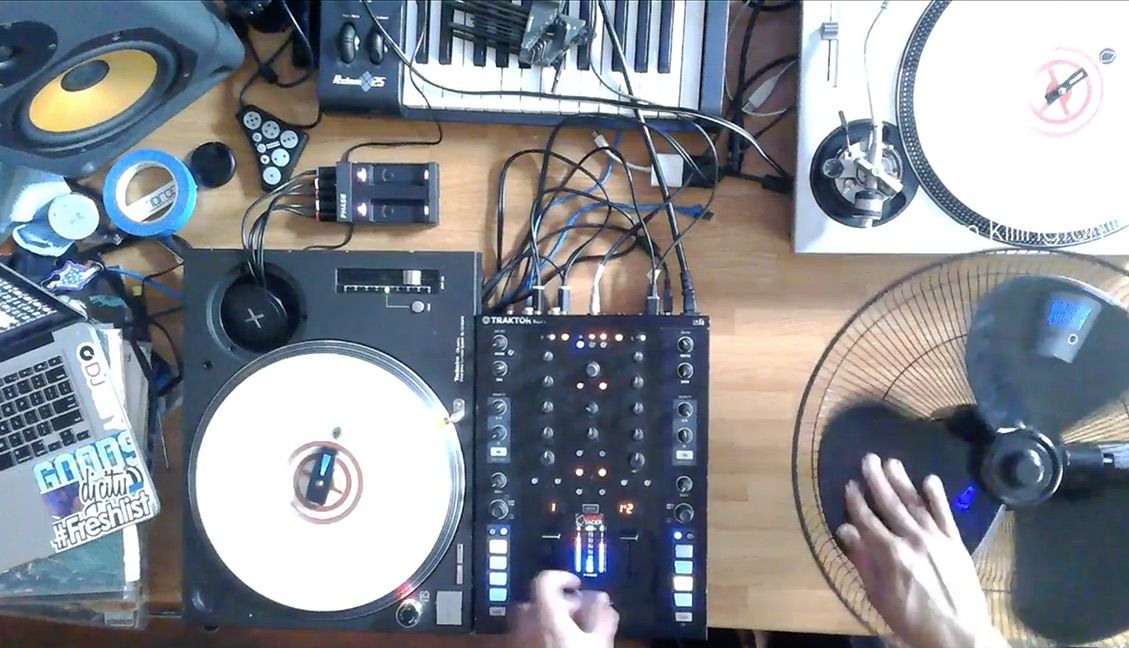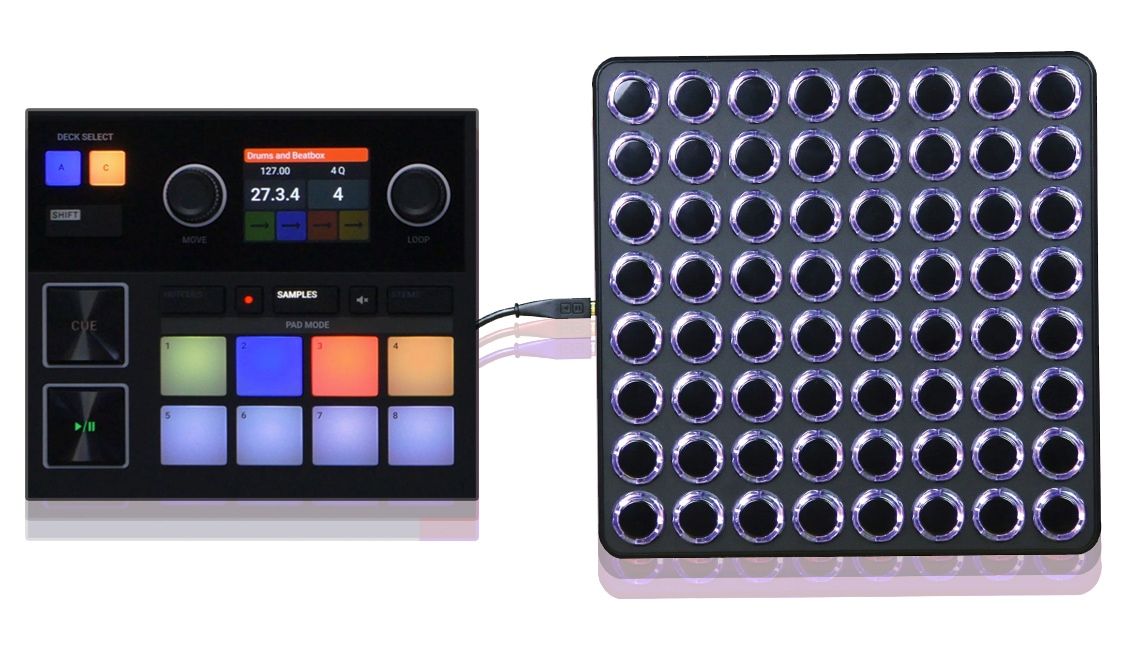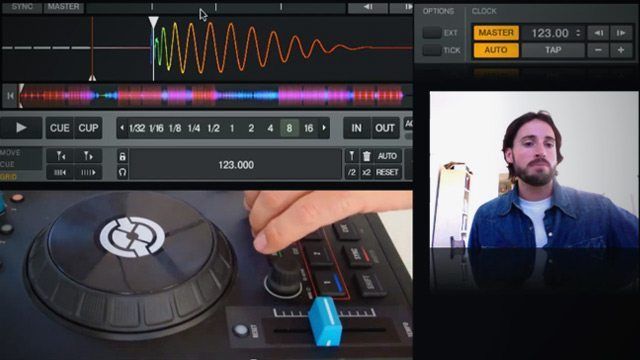
Preparing tracks to DJ with is one of the most time-consuming processes for DJs downloading new tracks everyday. Since there isn’t yet a mobile app to take care of this process on-the-go, Ean’s come up with an awesome mapping for Traktor Kontrol S2 and Traktor Kontrol S4 owners that brings an intelligent workflow to your track setup process, with beatgrid, phase, load marker, and zoom controls all integrated in a a clean TSI file. Check out the video and free downloads inside!


Download: Kontrol S2 Preparation Mapping

Download: Kontrol S4 Preparation Mapping Download

These mappings can very easily be altered for use with any DJ controller- if you make your own spinoff mapping for your MIDI device be sure to post them on maps.djtechtools.com for everyone to benefit from! These mappings are dedicated to all of the Kontrol S4 and Kontrol S2 owners who have been asking about new mappings and support from DJTT – we’ve still got love for you all and support these controllers.

Always wanted to own a S4? They’re on special for $799 in the DJTT webstore
I Loved This Article >


  • http://www.facebook.com/juanlopez003 Juan Lopez

    Just when you think Ean can’t top his last mapping…. Wham! In your face! Another grand slam from the DJTT Factory!!! Thanks.

  • http://djfdrk.blogspot.com FDRK

    You should also make a preperation mapping and guide for creating sets.
    I’ve got my own way of attacking this which I feel is a fairly quick way of prepping.
    Got an idea on using the effects buttons as “add folder to favorites” (Which is a pretty missleading tag cause you can use it for tracks as well) and another button assigned for putting the tracks in the preparation playlist.
    I’ve got my own keyboad guide here:
    http://djfdrk.blogspot.no/2011/10/revisit-shortcuts-for-prep.html

  • http://www.facebook.com/colin.theall Colin Theall

    Interesting concept, can’t wait to give it a try, but what I am wondering is what am missing out by not doing this and simply letting Traktor do everything except cue points? Sure Traktor wlll get it wrong every now and then when it comes to laying down grids and markers, but what I’ve noticed that it has the most trouble on are the tracks that have really wacky tempo shifts; tracks that I’d have to manually beatmatch anyway. So most of the time I feel fine just letting Traktor analyze and GO.

    Thanks for the mapping irregardless, Ean.

  • http://the72pins.com DaftBot

    Absolutely love it. Can’t wait to get on this.

  • RockingClub

    Wow! I already thought bout creating something similar but this definitely beats everything one could imagine!

  • quirkysilva

    Nice one with the Jump to next cue on load.. such a time saver!

  • Stewe

    Nice mapping! Is there “tap” button as well?

  • http://twitter.com/cento_mila centomila

    When it’s necessary the manual beatgrid? How many tracks have wrong beatgrid with auto settings?

  • Tim Tucker

    Way to go Ean. Can’t wait for the S4 version. I tried making a quick and dirty copy based on the S2 myself, but in my haste I missed something vital in the macro that sets the master tempo. P.S. Having the offset up/down buttons means less modifier usage… or maybe something even better?

  • chaz

    gr8 job…really helpful

  • Neetlejuice

    dooooope!

  • http://www.facebook.com/profile.php?id=100000531686375 Futureglue Musik

    Great!

    Now who’s gonna do the VCI100 version?

  • Paul

    Awesome concept, but there are major problems with the map. Play button won’t play, Right loop knob won’t work, jogs not responsive. I tried to load and reload traktor but same result. Hope you can look into it soon, Thanks!

  • http://twitter.com/Get_In_Kontrol Kontrol

    This is awesome ! Great tool to really enable you to move through the little “annoying” steps of gridding your songs.

    Check out our Twitter: @Get_in_Kontrol for controllerism and turntablism updates! and our facebook; http://www.facebook.com/getinkontrol !!!

  • EM

    Changing this to Midi mapping would make things even better because this way you don´t need to change the in and outport in the controller manager but just enter midi mode. Awesome mapping btw.

  • http://www.facebook.com/tvelzy Tim Velzy

    Nice work Ean!

  • RockingClub

    Well, nothing beats DIY, right? ;)

  • dede

    awesome mapping, it would be even cooler if this mapping could be applied to other controllers. for example: The Pioneer DDJ Ergo V Mixer,VCI100 or the Midifighters

  • http://twitter.com/DJPeterLo DJ Peter Lo

    I use a keyboard and mouse– just as short..

  • Anonymous

    perfect tor s2/s4 users :D obviously not useful for everyone else

  • http://www.facebook.com/profile.php?id=100000531686375 Futureglue Musik

    Sure,

    I might get to it this week but I need the practice time more than the coding. Between work and beautiful weather, who finds the time to lock themselves in the dark dungeon of the dj studio.

  • http://www.facebook.com/miss.sara.simms Sara Simms

    Thank you for sharing this mapping, it looks pretty awesome! I like the fact that the track that is playing will sync to the master clock at the bpm of the track. Looking forward to giving this a test drive…

  • http://lastminutedisco.net/kontrol-s2-and-kontrol-s4-track-preparation-mapping-tsi/ Kontrol S2 and Kontrol S4 Track Preparation Mapping TSI | Last Minute Disco: Your deep house, funk, soul & disco home.

    [...] Preparing tracks to DJ with is one of the most time-consuming processes for DJs downloading new tracks everyday. Since there isn’t yet a mobile app to take care of this process on-the-go, Ean’s come up with an awesome mapping for Traktor Kontrol S2… Read more [...]

  • http://www.facebook.com/jochem.bakker2 Jochem Bakker

    I am trying to download this mapping, but I am not able to Sign In while I have Signed Up and made an account month’s ago! Can anyone help me with this?

  • http://blog.rebellen.info/2012/07/31/ean-goldens-magic-traktor-prep-tool/ Ean Golden’s Magic Traktor Prep Tool | Blogrebellen

    [...] es eine Möglichkeit mit der diese Frickelarbeit einiges an Schrecken verliert. Ean Golden stellt drüben bei DJTechtools eines seiner wie üblich sehr ausgetüftelten MIDI-Mappings zum Download bereit, daß Dank einiger [...]

  • RockingClub

    Understandable. I forgot to consider the beautiful weather as it’s continuously raining here :)
    I would definitely help out if I had a VCI100…

  • http://www.facebook.com/profile.php?id=1436480896 Jesse Herr

    awesome just bought my s2 got a party in a few weeks practice time!

  • bcondemi

    Stellar “How-To’ vid. This is what people are looking for on this site. Well done

    BC

  • http://twitter.com/LeiChat Richard

    Thank you

  • Matt Serious

    Any chance of this coming for the DN-MC6000?

  • Anonymous

    Nice, would love to see a similar mapping for a DVS and Kontrol X1 setup.

  • beldr

    i was just giving up on prepping my stuff because i’m so lazy, thank you <3

  • Manus

    This is not working for me in the slightest in the S4. Its all over the place and when I am pressing cue it is loading a track from some other folder or playlist I am not even in and the highlighted track is not loading. That amongst nearly everything else is not working for me with the S4 from the word go. Anyone else having these problems?

  • Anonymous

    Nice Ean. I bow to your imagination and efforts to help us.

    scamo

  • utune

    The S4 is working great for me: I have been flying through tracks like never before.
    I did have the same problem initially where it would cue up a “random” track. Here is my workaround: Drag and drop the first track in deck A. Then prepare that track with the cue and play buttons. When you’re done with that track, press the sync button and it will load the next track in the playlist. After preparing that track, press sync for the next track, etc.

  • BrainstormCrib

    I Just did a VCI-100SE version look for djbTrackPrepMapping in the mapping section. It’s working perfectly, Success to all : )

  • Bimmlu

    It’s working for me so far except the PLAY Button doesn’t start the track?!?!

  • Bimmlu

    Also when I want to lock the Grid it does so BUT it also activates Loop Mode. Not so in Ean’s video..

  • Marc Reck

    The play button wasnt working for me either. To get it working. Add in a new play command and map/learn it to the play button. Relearning the existing button didnt seem to solve it but creating a new one seems to have sorted it out for me

  • Marc Reck

    Ok worked out the above. I watched the video again, and ean advises to turn off the default mapping. I had both on when i first did it and was getting the loop mode triggering also. I had to add in deck common / play pause again and learn to left play (also turn interaction mode from hold to toggle) and now it all seems to work as it should. No idea why the play pause didnt work out the box like it does for others, Would like to know if anyone does. Otherwise hope this helps out anyone else whos play wasnt working or loop mode was triggering.

  • http://twitter.com/purefreebass FreeBass

    lookin good!

  • Danny j

    Sold my s4 so I could get the Vci-400 ean golden edition and then you release this master mapping! Grrrrrrr

  • Bryce

    Ean this is an awesome mapping. Thanks for it. Like Manus I had some trouble getting it to work but ultimately figured out what I was doing wrong. Three tips to save the brain damage I went through. 1) In Preferences->Control Manager, make sure you set the in-port of the Kontrol S4 default mapping to “None” or else when you hit a button/encoder Traktor won’t know whether to use the default mapping or Ean’s mapping. 2) you need to be workign from a traktor playlist, not from the itunes playlist that you can access from within Traktor. 3) make sure you set the first beat either with the auto beatgrid function or with the tempo offset button from the mapping. If you don’t set the first beat the loop encoder won’t adjust the phase of the beat grid (which is really the most handy part)

  • http://www.facebook.com/mikesavoie Mike Savoie

    Do you guys have this mapping for the X1′s ?

  • http://www.facebook.com/rory.ferguson.90 Rory Ferguson

    fuck, make this for an X1.

  • Matt L

    Just added this to my S4 and have been chomping through all my tracks. Good, solid mapping for me. Have found a lot of my D&B tracks are creating beat-grids based on snares rather than kicks but once I figured that out I was well away. Many thanks Ean.

  • Leo

    It would be cool if it would have been a MacBook mapping…aside from the jog wheels…all the button mappings would be great on the go when your S4 isn’t available.

  • Javi Alvarez

    Hello i own a vci 400. Is there a vci 400 preparation tool mapping for the standard vci 400??? Im not too hot at midi mapping. Is there a walk through step by step tutorial??? Thanks you very much.

  • http://www.facebook.com/jason.benson.1238 Jason Benson

    Another great tutorial. Such a wellspring of information.

  • DJ Memoire

    Everything works great. Except it doesnt reset the master to the current track tempo. Does that mean I missed a step? What am I doing wrong?

  • JLO

    This is not working for me..

  • Sean
  • DJ 2 Cut

    I just want to say:

    THANK YOU THANK YOU THANK YOU THANK YOU!!!!!!

    This is a time saver for sure. I started using it over the weekend and now its for sure a permanent fixture in my workflow.

  • http://www.facebook.com/suspencesanchez Suspence Sanchez

    you… you good you….. …. forget about it. ( i think Ean is the original Mikka from the TV series called Heroes. )

  • http://www.facebook.com/djMosaic Brent Ahm Joo Dietiker

    Wow….how on earth is anyone supposed to remember all of this!?

  • GerdB

    Great video, I did the mapping on my Reloop Contour and its working like a charm.
    But one thing seems wrong to me, when checking the beat vs the master tick, shouldn’t be the sync off? Else the track syncs vs the master and the tick is always right, or am I wrong?

First Time?

This site is dedicated to digital DJs. We develop performance tools and teach cutting edge techniques that enable creative expression. Visit tutorial videos on youtube, equipment reviews in the blog and a very helpful community in the forum. New articles every Mon, Wed, Fri.

RSS DJ TechTools Forums

DJ History: Spring 1979′s Issue of D.J. International

Read More...