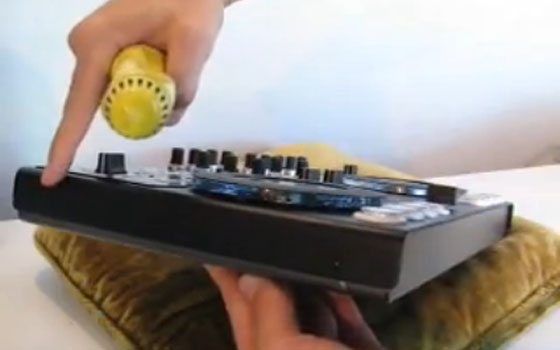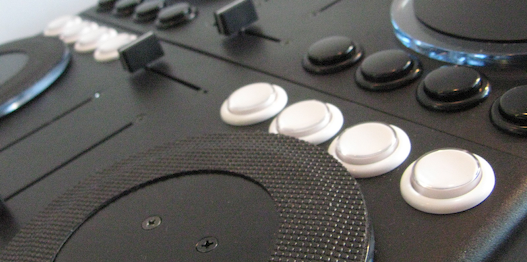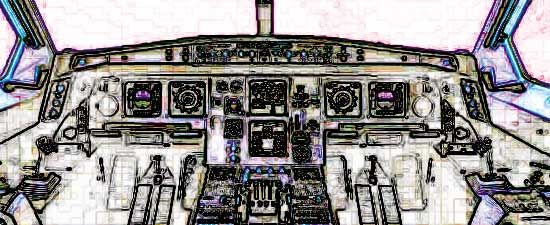
When djing, your essentially a pilot manning the helm of a plane. While there are many obvious things your in charge of during the flight, there is one that you may not think of. Its your job to make sure the sound coming out of the speakers is the best quality it can be. Lets look at a few basic rules you should follow to keep yourself out of the red.
Archive for August, 2008
Interview with Dj Numark
Since we first wrote about his forays into musical experimentation and what some are calling controllerism, Dj Numark has added more toys and a bunch of new tricks to his arsenal. Curious to finally find out what he is actually using we decided to give the man himself a shout out and ask a few questions.
Dj TT: Would you call your performances with controllers a dj set or a live show?
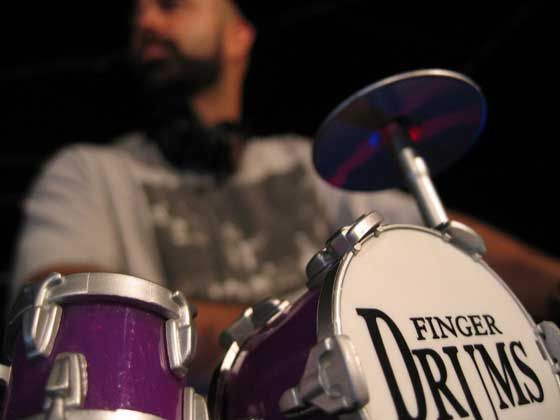
Numark: Well I do two types of shows right now. The first type of show is basically a straight DJ set where I mix records for people to dance to (rare Funk, Hip Hop, Brazilian etc). The second set involves a bunch of Kids toys, gadgets and drum machines. I use an Mpc as my cue point controller for both shows. I guess I’d call the DJ set a DJ set and the Toy set a DJ set / performance. I think I bring a performance quality to both sets though.
EKS Otus has a little brother? (Updated)
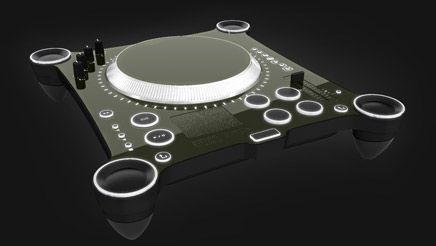
EKS, the creators of the Otus, have told us about their plans for another version called the EKS Otus Raw. While the devices are very similar there are some notable differences you might be interested in. EKS has also released a series of videos that take a closer look at the EKS Otus than the original video Ean shot which introduced this space age controller to the world. Baring any un-foreseen obstacles, you might be able to try one out as soon as September.
The last time we looked at the Otus it was still very much in development and the final controls were still not decided upon. Now everything is in place so lets look at the what the Otus will look like and then how the RAW will differ.
Update: EKS Otus in action Video, the fate of HD-midi for the Otus and production status !
How to Hack a Keyboard
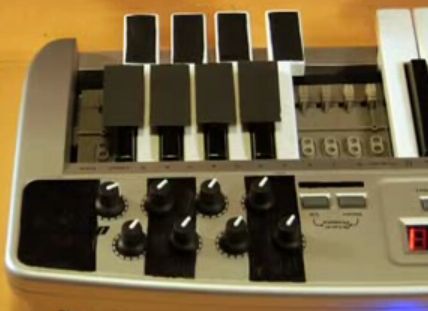
Moldover has made an appearance on MTV’s “How To Show”, showing off you how to turn an oxygen 8 or any other keyboard into your own expressive controllerist musical instrument. With only a handful of items you can easily find around the household and using the similar techniques to that used on his own Novation Remote-25 SL keyboard, Moldover shows in three simple steps how easy it is to become a controllerist armed with just a oxygen8 and a copy Ableton live.
Pitch Bend, Tempo Bend, Jog Bend, CD Touch Jog?
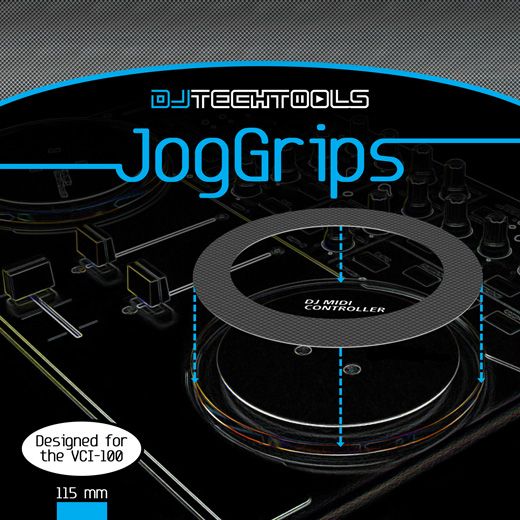
As Traktor and Midi controllers have evolved, the number of possible ways you can assign a jog wheel has increased dramatically. There are more than 10 ways for instance that you can slow down or speed up a song in Traktor 3.4. So which do you want to assign your jog wheel to? Lets take a look at the primary 3.
Continue reading Pitch Bend, Tempo Bend, Jog Bend, CD Touch Jog?
Auto Mix in iTunes
Yes, auto mixing is the ultimate anti-dj tool and goes against everything we stand for. But then there are weddings, or opening sets where a over-zealous club owner has requested that you start playing before the doors have even been opened. Its during these times that auto mix and an open wifi connection allow me to catch up on deep back logs of Dj TechTools mail. Traktor is equipped with a nifty “auto-play” feature but it only cross fades and requires building a good play list. Auto mixing that includes beat matching and cross fading directly in I tunes would be the ultimate lazy dj tool.
Pad Controller Smackdown
Reviewed by: Bill Griffin aka SOCIALPEST
If you’re looking for a MIDI pad controller on a modest budget and can’t be troubled to build your own then no doubt you will have found these three; M-Audio Trigger Finger, Korg padKontrol and the Akai MPD24.
They are all around a similar budget and each has their own appeal but on paper its a tough call. Thanks to the help of online store thomann.de I got my hands on all three and set each up in Traktor, Serato and Live to see which would be reigning champ in the sub 200 EUR midi pad controller class.
Continue reading Pad Controller Smackdown
VCI-100 Firmware Update 1.3
Much frustration has been expressed during the past year over the difficulty in getting your VCI-100 updated. We are happy to announce that it just got a lot easier. Next week you will be able to purchase a VCI-100 firmware update unit (pictured above) directly from Dj TechTools for $20 that allows you change your own firmware at home. That means that you can update any VCI-100 to the coveted firmware version 1.3 which:
- Includes all the features of the VCI-100SE
- Fixes the jog wheel ramp up issue from 1.1
- Increases the number of buttons that can receive midi and light up
Which firmware version do I have?!
For those of you that already have found a way to update your VCI-100, here is the 1.3 firmware file that you can download free of charge. Step by Step instructions demonstrating how easy it is to do the update yourself will be posted next week.
To upgrade your firmware please visit this post