Archive for July, 2008

Scrolling Vinyl View Finder Thingy

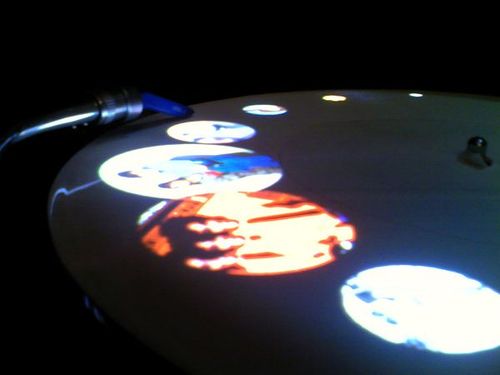
25 years of spinning discs should be enough for most people but many still think all aspects of djing should be done from a turntable. While we respectfully disagree, these smart folks from the university of Ulm have created a software program that allows you to search through your songs visually using time coded vinyl and projections on the turntable.

Continue reading ‘Scrolling Vinyl View Finder Thingy’

Dj-101 DIY Guide

Our new dj tech tools mantra for this week is:

“we go through the annoying stuff so you dont have to”

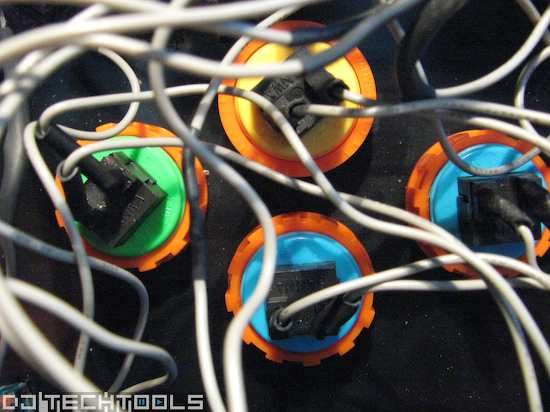
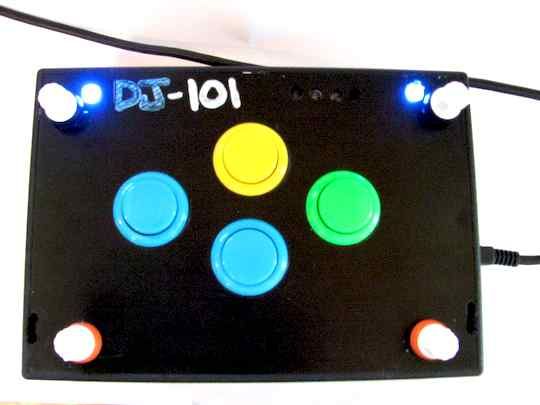
That certainly applies to my current attempt to offer a simple, inexpensive midi controller that most people could find useful. In the end I succeeded, but it required some serious investigation and re-thinking the fundamental concepts. This design is not meant to be sold or duplicated but rather to show the basic steps required in building your own midi accessory or moding an existing controller.

Continue reading ‘Dj-101 DIY Guide’

Dj 101 Update

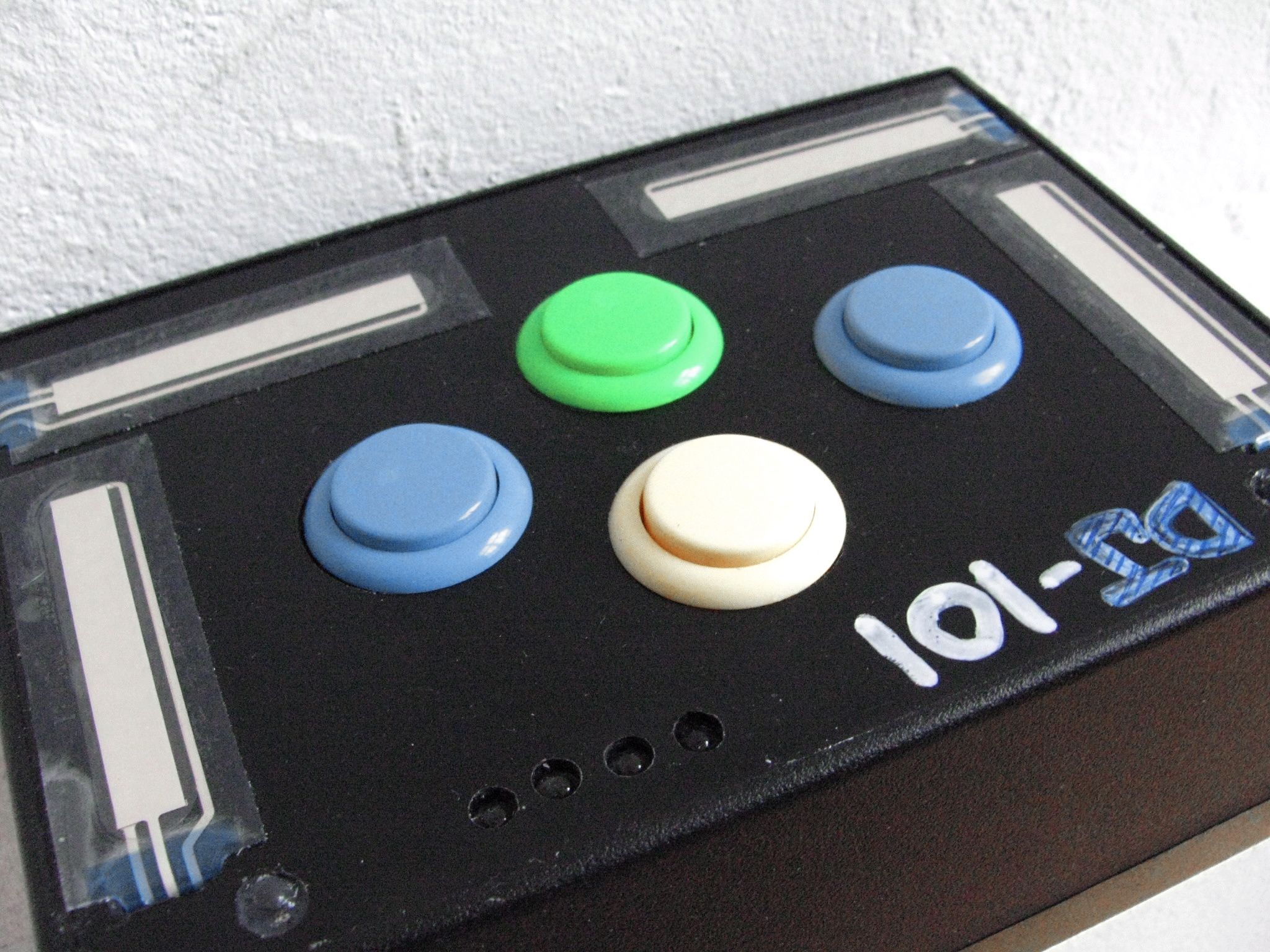
Those touch sensors from the first DIY $100 controller didn’t work out so well- so the design has been updated with some good old knobs borrowed from a spare vci-100. I have filmed the DIY tutorial but editing is taking much longer than anticipated so the final step by step guide will be up on Monday. In the mean time that gives you a chance to go buy all the parts you want and plan your $100 controller over the weekend. Sliders, more buttons- its all game but try and keep it simple.

Bonus:

Those LEDS wont work with the HID interface device I eventually used for the project but I still found a cool way to wire them directly to the knobs so as the knob gets turned up-they get brighter. Its simple stuff but useful and fun to do, so you might want to pick up a few LEDS at the same time.

Got Headroom?

I hate to revive this old argument about mixing inside software or outside but it came up again last night while I was spinning at a friends party . The axe for the night was a new template we are working on for the vci-300 and Traktor. The controller was working well, but my mix sounded like garbage. I cant help but feel that, while the deaf dj must take some responsibility- it was largely because there is no headroom when mixing inside dj software. Has anyone else had this experience or might have found a way to combat this truly troublesome problem?

The complaint is not a new one, as digital summing of multiple audio signals is just never going to compare to the analogue counterpart. I know, for example, of many a sound engineer that will run several groups of a song (stems) out to an analogue mixer for the final summing. That’s not to say that you can some-how magically turn up the signal louder in the analogue domain. No, the analogue distorts at the same point but the distortion itself is night and day. Take that classic Mo-Town sound that we all love and associate with being rich and fat- its just bucket loads of good distortion.

As the night progresses and djs tend to want to turn things up louder and louder, there is just no where to go in digital land. Well you can always turn up the master channel- you might counter. Not exactly, because the problem is this constant balance of sonic levels between the tracks as you mix. Some songs for whatever reason, even after auto gain- just require a little extra pump when in the middle of a mix. Once you have hit the digital ceiling, which is un-bearably low- then it’s all bad from there.

If they really expect everyone to mix in a computer, digital dj companies need to start making their software more dj friendly. Which means expecting us to turn it up too loud and putting rich, warm compressors on every channel.

Flip the script- and your Jog Wheel

As a follow up to this jog wheel post last week, here are two more ways you can you can creatively re-use your jog wheels for tighter performance. Are you really going to scratch on a vci-100 or similar small jog wheel? Lets be honest with ourselves- most likely not. So what do you do the most during a song?

  1. Adjust the tempo in small increments
  2. Pitch bend a track

Then why not have your Jog wheel dedicated to those 2 functions?

Continue reading ‘Flip the script- and your Jog Wheel’

Go Green- Become a Dj

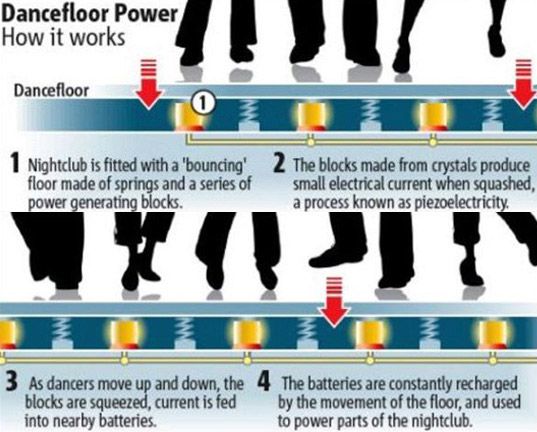
Just when you thought that dance music, djs and club culture was the lowest ring on the social totem pole- we go green. Yes Mom, djing and taking ecstacy 4 nights a week CAN be socially responsible!

Imagine the conversations that might surround this remarkable development reported by engadget.

Boss: What have you done for the enviroment lately Jerry?
Employee: Well last night I got my freak on with these fine girls from Liverpool

Club Owner: Maan, these electric bills are killing me. Got a good track?
DJ: Let’s just spin “Jump Around” (House of Pain) all night!
Club Owner: Sweeeet! Just mix, blend, and scratch it so they can’t tell.
DJ: Done deal!

DIY Controller- 59 minutes, $99.

Do you need just a few more controls? Perhaps your wondering how hard it is to make your own controller? Then follow the steps in this 2 part series and build your first midi controller in about an hour for very little cash. Using only 8 electronics parts, a pre-made case and a DIY midi interface that is USB powered- you can build a controller and it wont require a degree in electrical engineering.
Continue reading ‘DIY Controller- 59 minutes, $99.’

Midi Pipe Tutorial- EQ with a crossfader.

Lets say you want a single button to select an effect or your crossfader to also act as an EQ fader. These kind of functions are just not possible with 99% of dj midi gear out of the box, but there are a small group of software programs that allow you to customize the way your midi gear works inside the computer. They are called Midi translator’s and today I want to show you how to perform one of the examples above using a translator called “Midi Pipe”. Midi-Pipe is a great tool that is free and easy to use but sadly only runs on Macintosh.

Continue reading ‘Midi Pipe Tutorial- EQ with a crossfader.’

Controller’s not perfect? Mod it.

Have you found the perfect MIDI controller yet? Chances are the answer is “no,” and you can’t entirely blame it on the manufacturers either. In this fast-paced DIY world, where technology morphs at light speeds, big manufacturers’ R&D cycles will never be able to keep up with your imagination. So stop waiting around for a company to release the perfect controller, and make your own! You may be thinking, “That will take way too much time,” “I have no idea how to do that,” and, “Where would I start?” Those are all legitimate roadblocks, but with a little know-how and a soft push in the right direction, you may find it’s not as hard as you think. Here are two simple ways you can customize your own interface, depending on how much time you want to spend.

Continue reading ‘Controller’s not perfect? Mod it.’